
You have Been Phished "Phishing is the easiest way for hackers to compromise data. To protect our organization, yourself and your family, please scroll below for more guidance on how to minimize this risk."
What is Phishing

Phishing is a common type of cyber-attack that targets individuals through email, text messages, phone calls, and other forms of communication. A phishing attack aims to trick the recipient into falling for the attacker’s desired action, such as revealing financial information, system login credentials, or other sensitive information. Fundamentally, these threats exploit human psychology rather than technical vulnerabilities.

As a popular form of social engineering, phishing uses psychological manipulation and deception whereby threat actors masquerade as reputable entities to mislead users into performing specific actions. These actions often involve clicking links to fake websites, downloading and installing malicious files, and divulging private information, like bank account numbers or credit card information.
What is Phishing
How to Identify Phishing Emails
Do's and Don'ts
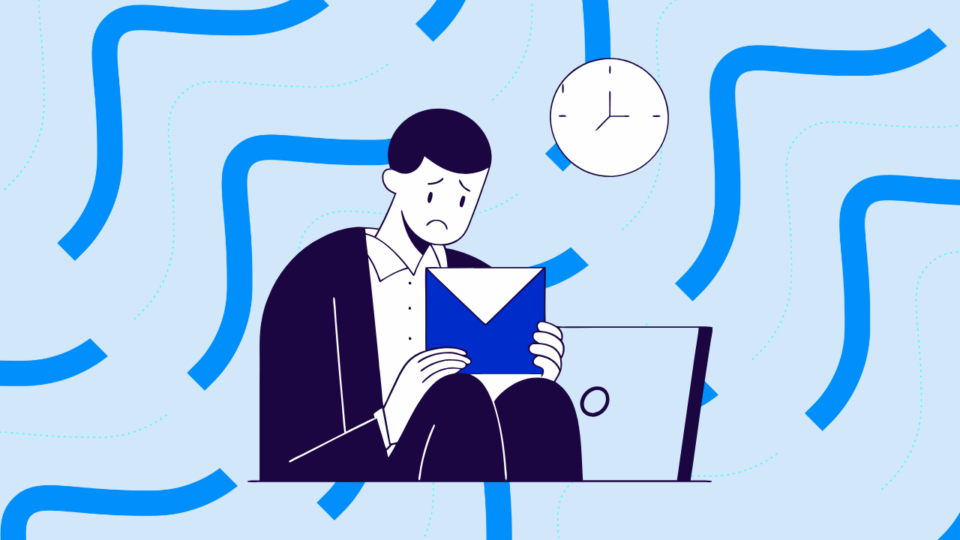
Always Double-Check the Sender
What to do:
Always check the full email address, not just the name shown.
Example:
An email from support@amaz0n.com looks similar to support@amazon.com, but it's fake. Attackers often change just one letter to trick you.
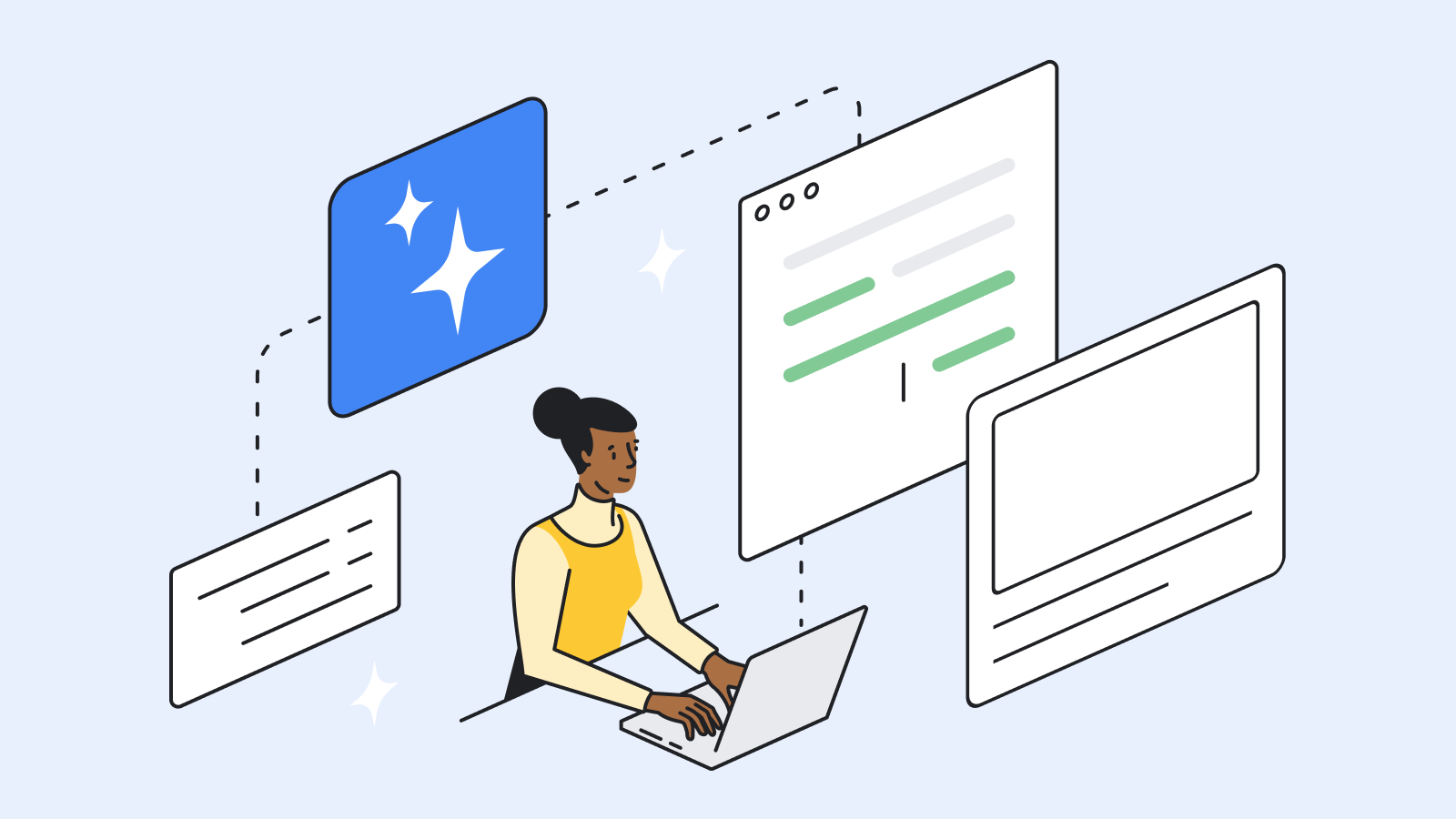
Inspect Links Before Clicking
What to do:
Hover your mouse over any link to see the real URL before clicking.
Example:
The link may look like https://paypal.com, but when you hover, it shows http://phishingsite.ru/paypal. That’s a trap — don’t click!
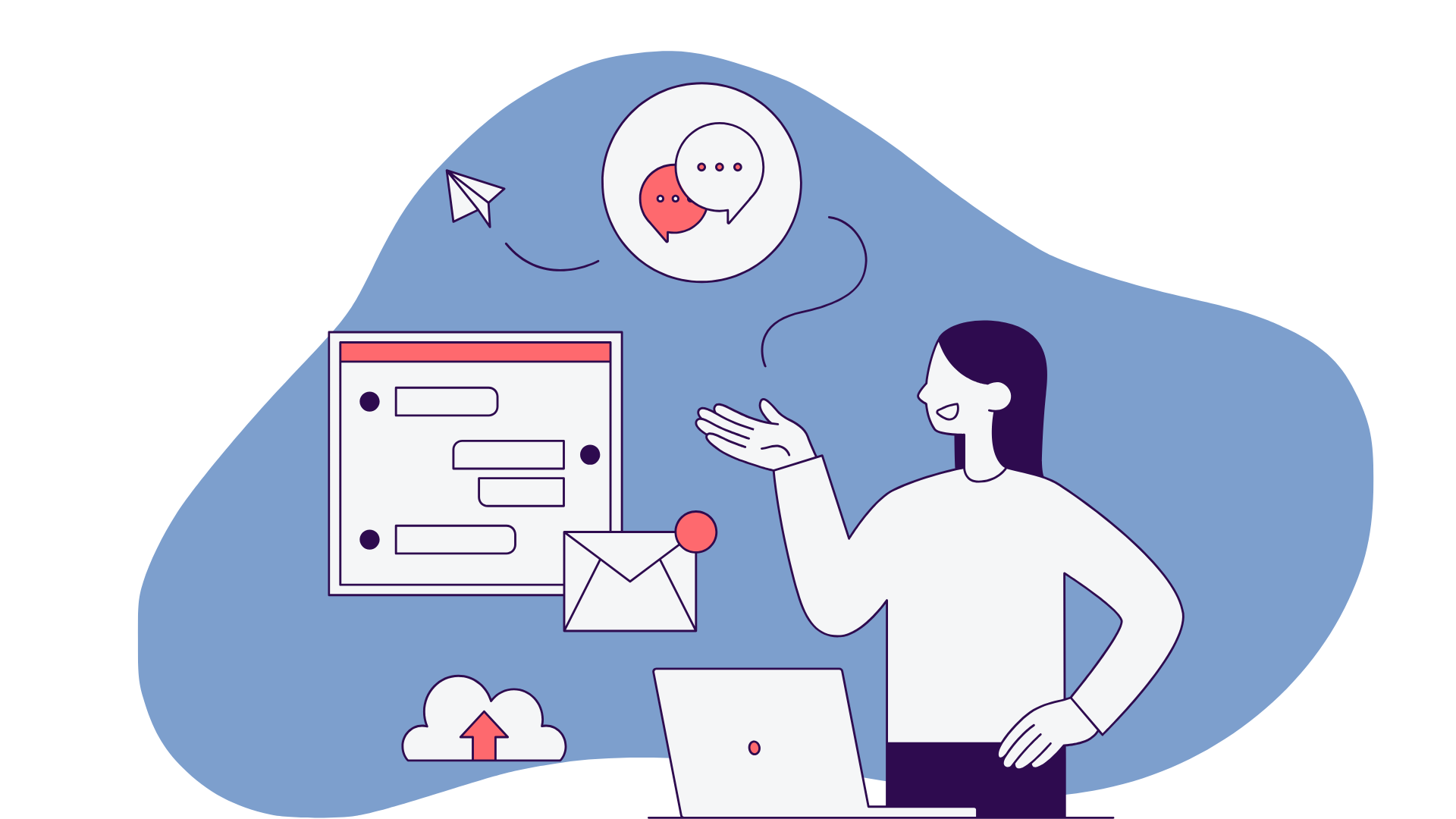
Don’t Open Unexpected Attachments
What to do:
If you weren’t expecting an attachment, don’t open it, even if it’s from someone you know.
Example:
You get an email from HR with a .zip file titled “Salary Update” — but you didn’t request or expect this file. Confirm with HR first before opening.
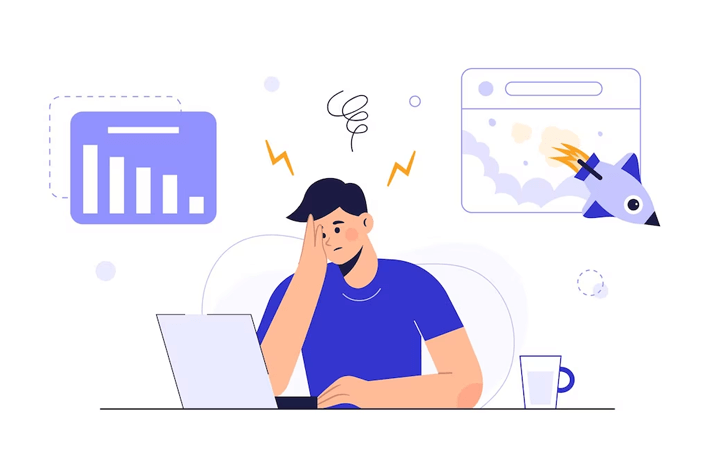
Look for Red Flags
What to do:
Urgent or threatening language (“Your account will be locked in 24 hours!”)
Grammar or spelling mistakes
Generic greetings like “Dear user” instead of your name
Strange requests like clicking a link or sending OTPs
Example:
An email says, “You’ve won a reward! Click now to claim.” That’s suspicious — don’t fall for it.

Enable Two-Factor Authentication (2FA)
What to do:
Turn on 2FA for all important accounts — email, bank, social media, etc.
Example:
Even if a hacker gets your password, they can’t log in without the OTP or code sent to your phone or app.
